
Solutions for self-employed drivers
Drive compliant with Cabman Go
Specially designed for independent drivers and small businesses. You drive. We'll take care of the rest.
.avif)
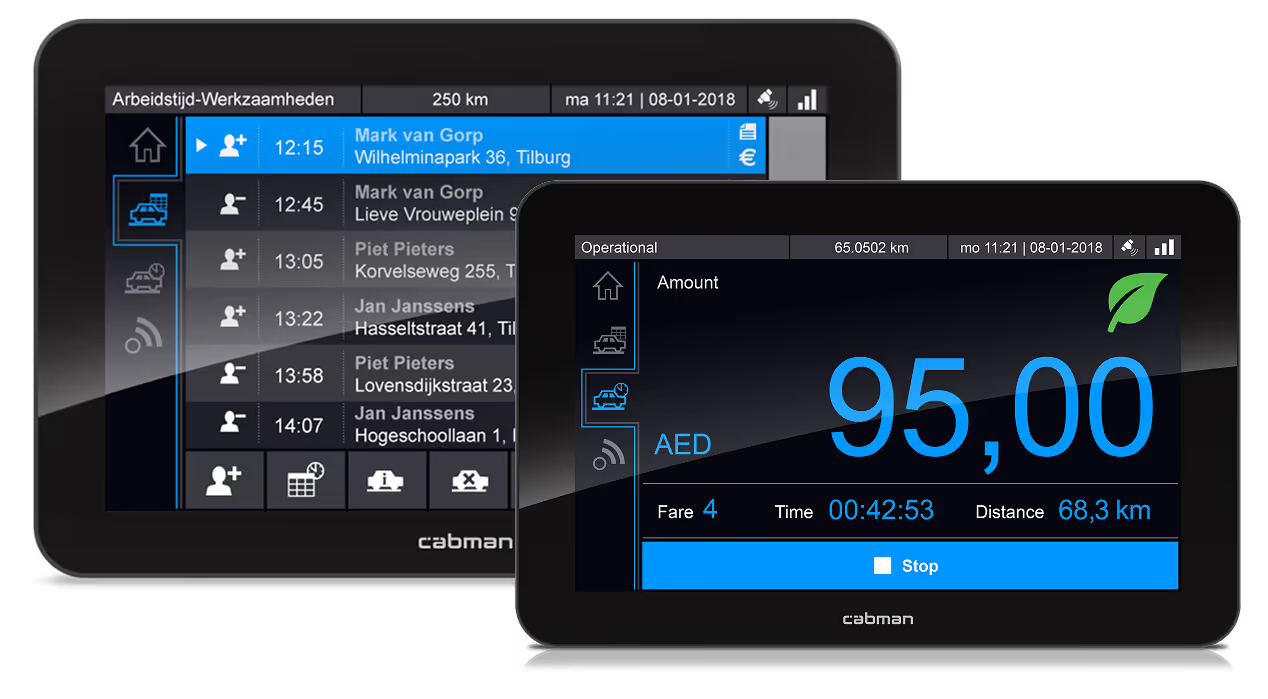
With Cabman Go you are fully compliant with local legislation
No fines, no hassle. You drive, we take care of the rest.

Start driving with Cabman Go in 3 easy steps
Book a demo or a consultation .

Order Cabman Go
Choose your screen size and subscription model.
Select Installation Partner
Select where your Cabman Go will be installed.
Done! You’re ready to start driving.
After the installation your cab is 100% compliant and you can start driving, hassle free.
Pricing & Plans
Choose a Cabman MDT and a data communication plan.
Cabman Go
Includes:
- Cabman MDT 5” or 7” screen
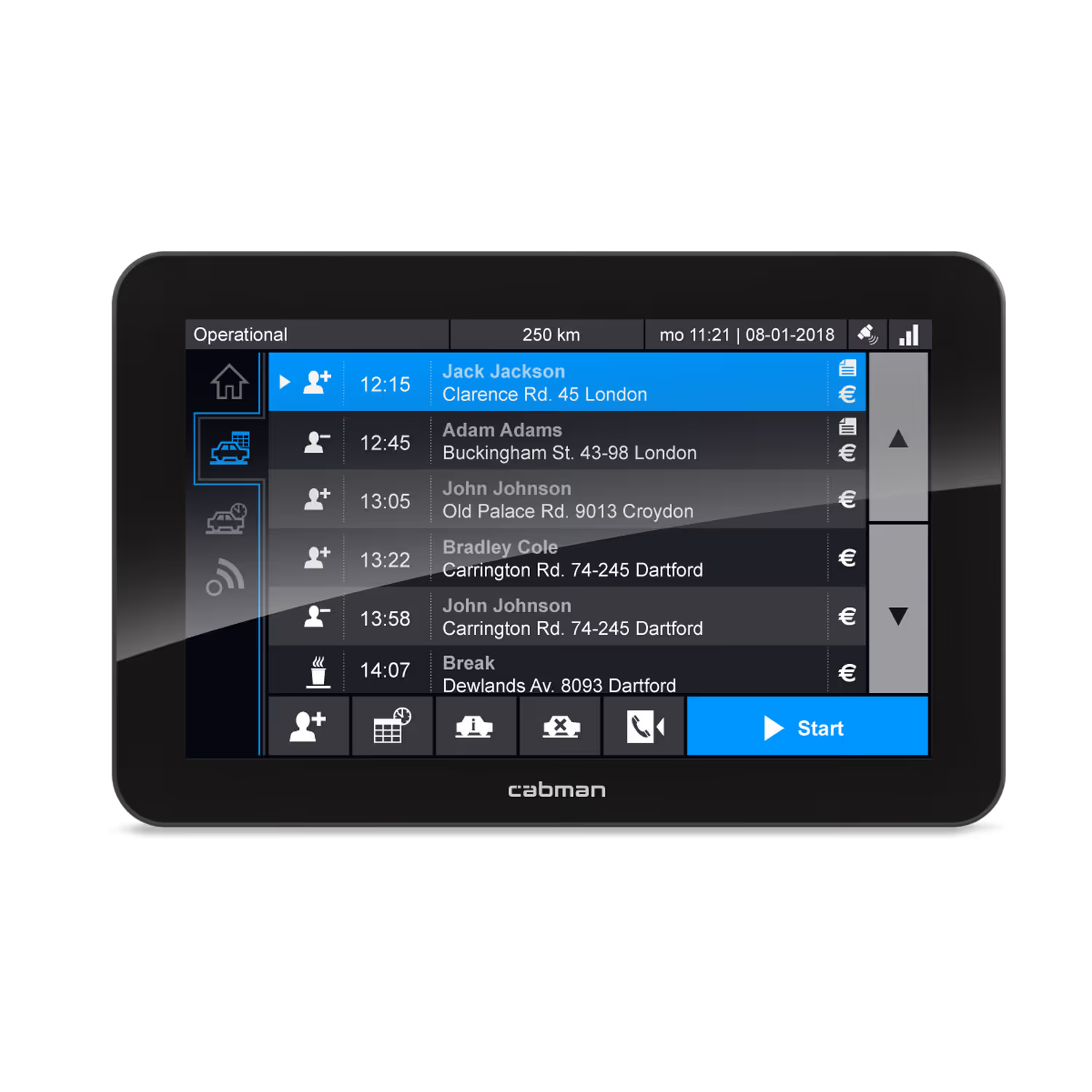
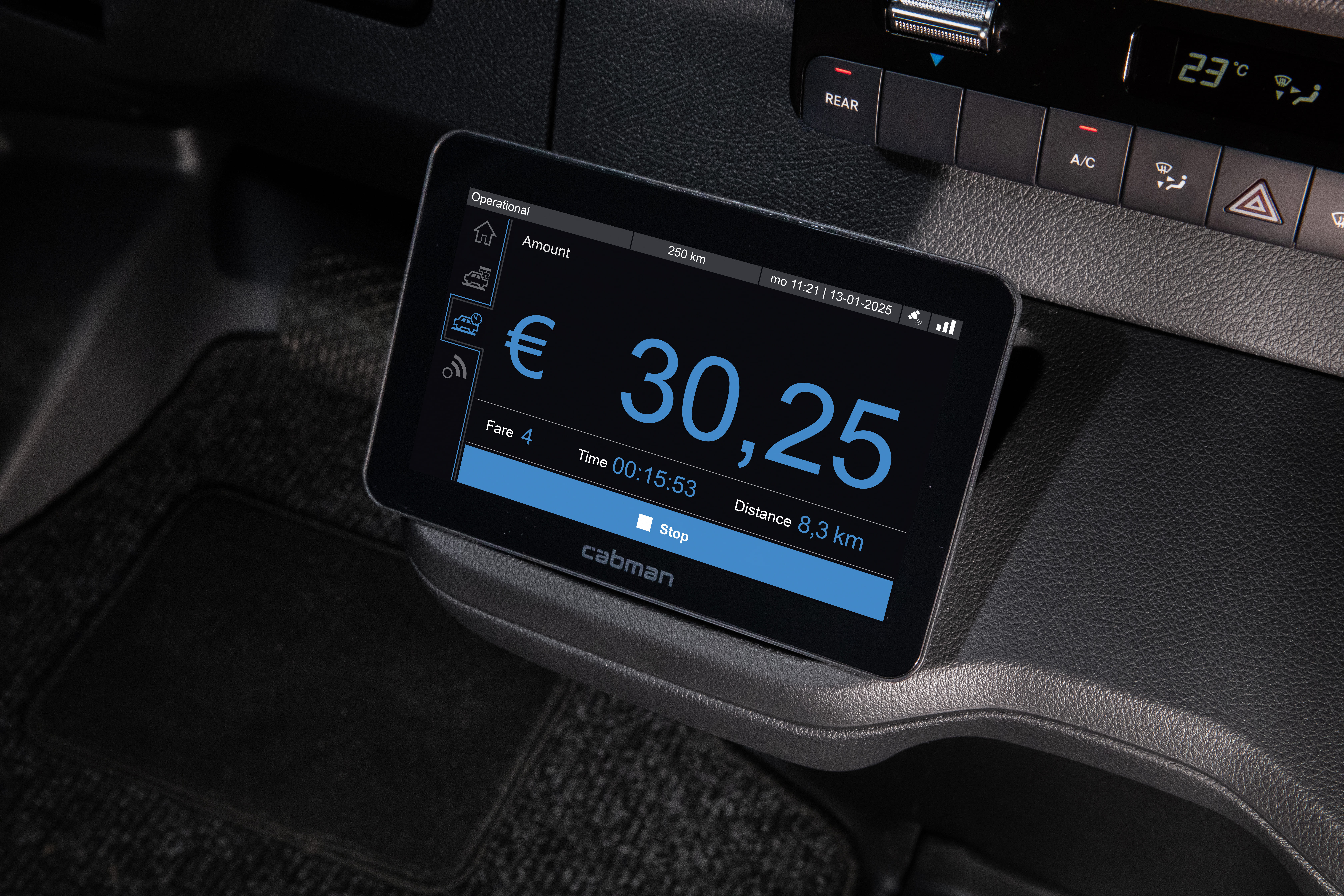
- Built-in Taximeter (Tax Authority compliant)
- 1-year warranty + extended service warranty
- Smart connection with Cabman Data*
- Journey insights
- 500 days data review time
- Software updates included
- Integration with payment terminal
- Integration with printer
- Ready for sub-contracting
Request it now

.jpg)



Installation stations
We work with a network of certified installation partners across Europe and beyond. At these locations, you can visit for installation, maintenance, support, and product demonstrations of Cabman solutions.Select your country below to find a location near you and get in touch directly with a local partner.
Belgium
Belgium
Belgium
Our Belgian partners provide installation, support, and guidance tailored to the local taxi market.
Finland
Finland
Taxitec
Our Finnish partners provide installation, maintenance, and expert advice for Cabman systems.
Netherlands
Netherlands
Netherlands
Our network of installation partners across the Netherlands ensures you always have access to reliable service and support.
Norway
Norway
Qtech
Our Norwegian network offers installation and service aligned with local regulations and requirements.
Sweden
Sweden
Novacab
In Sweden, our partners support Cabman solutions for both independent drivers and larger fleets.
Belgium
Belgium
Belgium
Our Belgian partners provide installation, support, and guidance tailored to the local taxi market.
Finland
Finland
Taxitec
Our Finnish partners provide installation, maintenance, and expert advice for Cabman systems.
Netherlands
Netherlands
Netherlands
Our network of installation partners across the Netherlands ensures you always have access to reliable service and support.
Norway
Norway
Qtech
Our Norwegian network offers installation and service aligned with local regulations and requirements.
Sweden
Sweden
Novacab
In Sweden, our partners support Cabman solutions for both independent drivers and larger fleets.
* Not sure which partner to choose? Request a quote and we’ll connect you with the right installation partner.
Need help? For technical questions, rate changes or a recalibration, contact your service partner first. They know your installation and can help you most efficiently. Find your partner in the list above.
More information regarding Cabman Go

Questions? We got the answers.
Here you will find clear explanations to frequently asked questions.
Cabman Data
Can I still access my data after cancelling my subscription?
Can I still access my data after cancelling my subscription?
No. We therefore recommend using one of the two methods for storing the data locally.
Cabman Data
How can I store the service data from Cabman MDT or Cabman Data locally?
How can I store the service data from Cabman MDT or Cabman Data locally?
There are two ways to export your service data:
1. Via the MDT with your taxi card and USB stick
Use the export function on the MDT in combination with your taxi card and a USB stick. The MDT stores data from the moment of activation up to a maximum of one year back. The data is exported as XML files.
2. Via Cabman Data
Log in to Cabman Data and go to the service page. Use the report button to export service data as Excel files. This report contains data from the current and previous calendar year.
Cabman Data
Can I edit the service details in Cabman Data?
Can I edit the service details in Cabman Data?
No, it is not possible to change data directly in Cabman Data.
However, you can download reports and edit them in Excel. Please note that this only changes a copy; the original source data in Cabman Data remains unchanged.
Cabman Data
What data can I find on Cabman Data?
What data can I find on Cabman Data?
Cabman Data provides an accurate representation of the actions on the Cabman MDT. Among other things, you can see the current vehicle position and actual registered service and trip data, such as loaded and unloaded kilometres, amounts and working hours. This data is available retroactively for up to 500 days.
Once the registration on the MDT is complete and correct, you can use the data (via XML files or directly from Cabman Data) for your tax return or your own financial administration.
Cabman Data
My data is available online on Cabman Data. What can I use it for?
My data is available online on Cabman Data. What can I use it for?
When you activate the Cabman GO package, the email address you provided will be linked to your personal Cabman Data environment. This account gives you insight into your trip data and provides you with useful tools to simplify your administration.
Can I use the Cabman MDT without an active connection?
Can I use the Cabman MDT without an active connection?
Every Cabman MDT is equipped with data communication as standard and requires an active internet connection during use. If the MDT is unable to connect for an extended period of time while it is in active use, the system will automatically lock. In that case, a visit to a workshop is necessary to unlock the system and restore the data connection.
Cabman GO
What is included in my Cabman Go package?
What is included in my Cabman Go package?
When you purchase the Cabman Go package, you will receive the Cabman MDT, which comes standard with a 5-inch screen, but can be upgraded to a 7-inch version at no extra cost for a limited time. This allows you to benefit from extra screen space for a discount. The package also includes a built-in taximeter, data communication, software updates, insight into journey data via the Cabman Data online portal, a one-year warranty and a discount on service costs afterwards.
Cabman GO
Where can I purchase or install my Cabman GO package?
Where can I purchase or install my Cabman GO package?
To purchase a Cabman Go package, please get in touch with your local partner in your respective country.
Cabman GO
Is the Cabman GO package offered as a lease or rental?
Is the Cabman GO package offered as a lease or rental?
Cabman GO
Can my Cabman GO Package be used by another driver?
Can my Cabman GO Package be used by another driver?
No. Upon activation, the service partner links the MDT to a specific company. From that moment on, the data is automatically forwarded to that company's corresponding Cabman Data portal.
Would you like to use the MDT for another company? Then make an appointment with the service partner to have the MDT reactivated. This prevents the original owner from accessing the data of the new company.
Cabman MDT
My Cabman MDT says my subscription is expiring. What should I do?
My Cabman MDT says my subscription is expiring. What should I do?
The MDT will report this after it becomes apparent that there are outstanding invoices as a result of an unsuccessful direct debit. You can easily pay a month in advance by scanning the QR code on the MDT. After payment, the subscription will be temporarily renewed.
Please note: At the time of payment, the MDT must have a working internet connection in order to successfully process the renewal.

